Several folks have asked me about battery backup for solar and being more grid-independent. I predicted that it’d probably be 2017 before that really started to happen, and that it’d be expensive. Turns out I was way off.
Last night one of our local mockingbirds returned. It sang all night long. I don’t mind – it’s one of the things I like about the area. Did it know that it was February 1st? Or maybe it was welcoming the first full moon of spring (though February shouldn’t be spring, it’s already in the upper 70’s)? Wikipedia indicates that they aren’t much for migrating – and the climate here couldn’t be more mild. So I wonder if it was just keeping quiet, or if it went somewhere for a vacation…
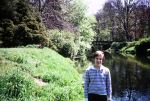
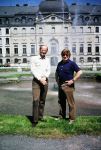
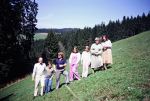
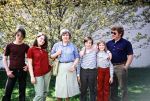
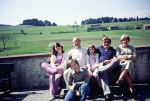
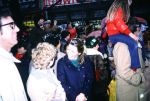
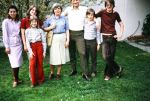
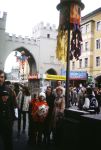
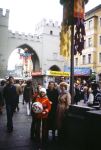
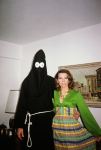
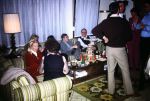
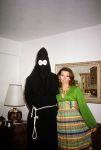
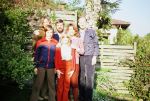
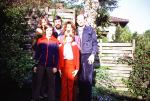
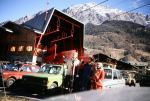
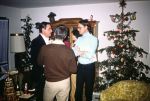
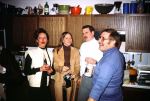
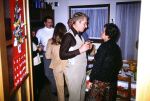
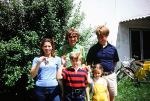
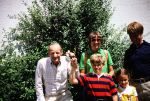
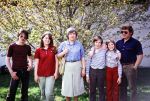
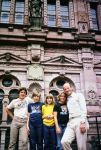
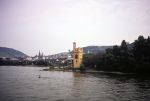
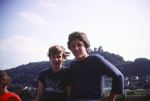
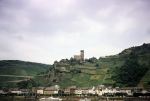
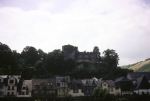
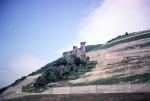
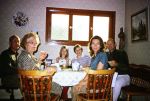
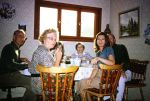
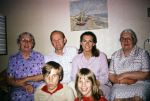
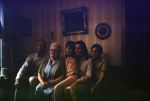
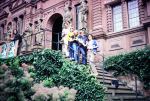
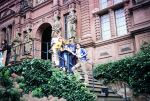
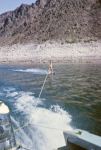
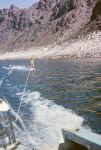
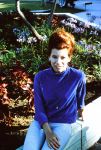
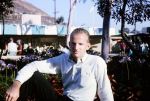
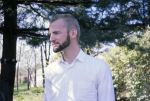
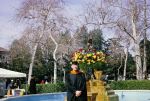
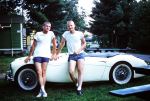
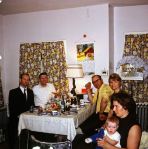
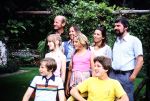
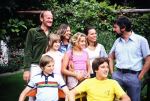
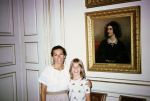
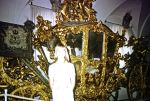
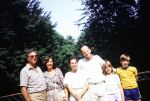
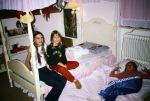
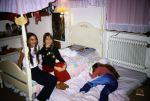
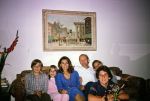
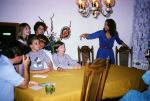
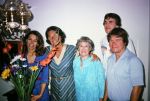
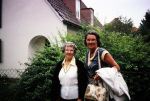
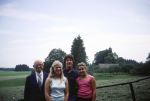
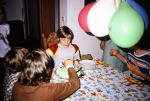
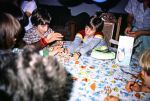
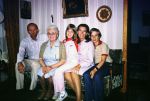
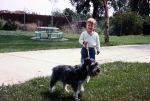
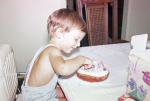
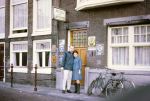
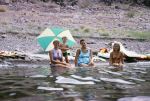
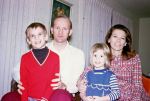
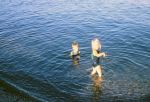
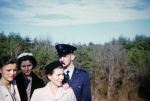
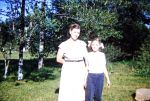
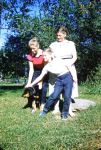
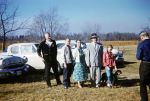
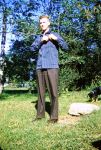
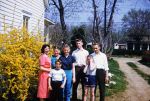
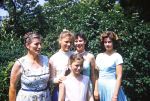
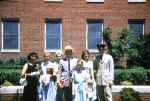
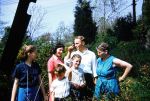
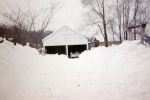
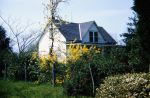
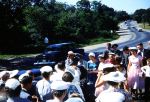
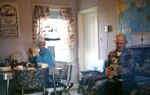
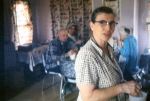
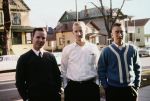
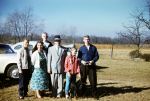
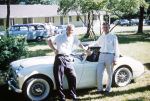
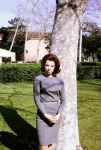
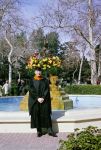
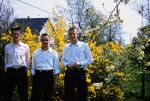
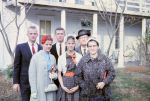
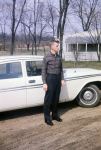
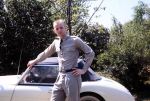
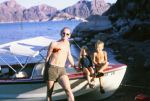
Here are a collection of pictures Mom had digitized from slides. They are in random order – sorry – and vary from about 1982 to somewhere back in the 50’s.
I looked around for this and had a hard time finding it.
tell application "Terminal"
	set myTab to do script "cd /some/path && run command one"
	tell (first window whose selected tab is myTab)
		set the position to {0, 0}
		set the number of columns to 80
		set the number of rows to 24
	end tell
	set myTab to do script "cd /some/path && run command two"
	tell (first window whose selected tab is myTab)
		set the position to {570, 10}
		set the number of columns to 80
		set the number of rows to 24
	end tell
	set myTab to do script "cd /some/path && run command three"
	tell (first window whose selected tab is myTab)
		set the position to {0, 390}
		set the number of columns to 80
		set the number of rows to 24
	end tell
	set myTab to do script "cd /some/path && run command four"
	tell (first window whose selected tab is myTab)
		set the position to {570, 390}
		set the number of columns to 80
		set the number of rows to 24
	end tell
end tell




















 Kurt's Blog